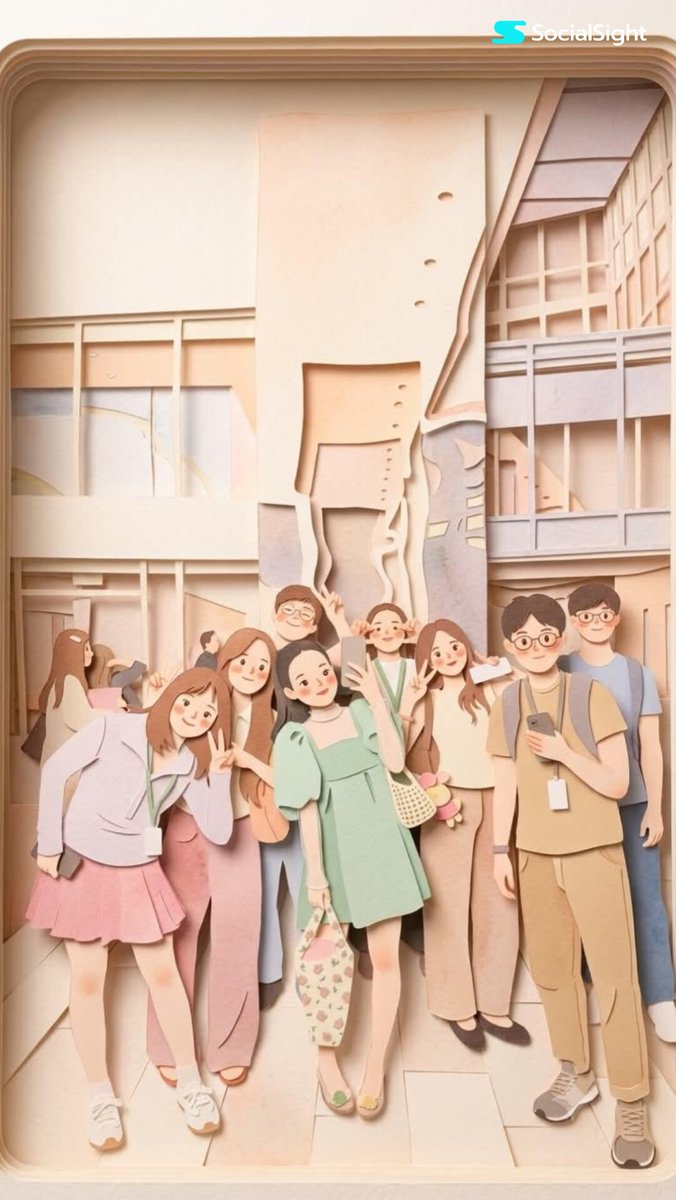
分层纸艺风格图像转换
一个将任何图像转换为柔和、迷人的分层纸艺插画,并呈现 3D 立体透视效果的提示词。
Transform this image into a {argument name="aesthetic" default="soft, layered papercraft illustration inspired by the aesthetic of a handcrafted papercraft diorama"}. Use smooth, rounded shapes, {argument name="proportions" default="simplified cute character proportions"}, and minimal facial features (such as dot eyes and subtle blush) to create a warm, charming, and inviting appearance.

Build the scene using stacked paper layers with a strong sense of depth and dimension. Include delicate shadows between layers to emphasize the layered construction, while keeping all cut edges clean and precise, resembling laser-cut cardstock.

Add a solid white outline around each main character, similar to a thick sticker border or a white paper backing. This outline should clearly separate the characters from the background and feel like an intentional layered paper element rather than a glow effect.

Use a {argument name="color palette" default="calming pastel color palette featuring muted blues, soft greens, and warm neutral tones"}. Maintain an overall balanced and soothing atmosphere. Lighting should be soft, diffused, and evenly distributed, enhancing the three-dimensional paper-layer effect while avoiding harsh contrast or dramatic shadows.
将此图像转换为 {argument name="aesthetic" default="受手工纸艺立体透视美学启发,柔和且具有分层感的纸艺插画"}。使用平滑、圆润的形状,{argument name="proportions" default="简化且可爱的角色比例"},以及极简的面部特征(如豆豆眼和淡淡的腮红),营造出温暖、迷人且引人注目的外观。
利用堆叠的纸层构建场景,营造出强烈的深度和立体感。在层与层之间加入细腻的阴影以强调分层结构,同时保持所有切割边缘整洁精准,呈现出激光切割卡纸的效果。
在每个主要角色周围添加实心白色轮廓,类似于厚实的贴纸边框或白色纸张背衬。该轮廓应将角色与背景清晰区分开,使其看起来像是刻意的分层纸艺元素,而非发光效果。
使用 {argument name="color palette" default="包含柔和蓝、浅绿和暖中性色的舒缓柔和色调"}。保持整体氛围平衡且治愈。光线应柔和、漫射且分布均匀,在增强三维纸层效果的同时,避免强烈的对比或戏剧性的阴影。