AI 伪影去除指南
使用 GPT Image 2 并参考角色设定图,去除角色图像中多余发丝伪影的技术说明。
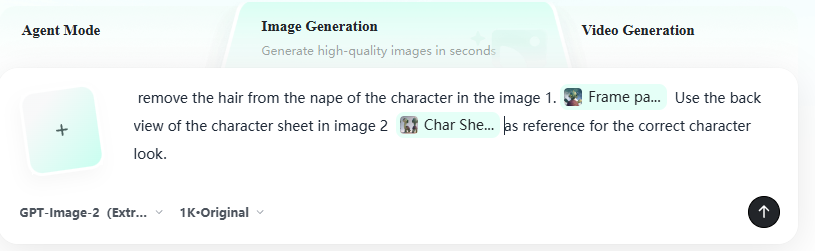
remove the hair from the nape of the character in the image 1. Use the back view of the character sheet in image 2 as reference for the correct character look. remove the blue strand of hair from the character of image 1, located just above the hand on her head. Use the back view of the character sheet in image 2 as reference for the correct character look.
去除图像 1 中角色颈后的发丝。请参考图像 2 中角色设定图的背面视图,以确保角色外观准确。去除图像 1 中角色头部上方手部附近的一缕蓝色发丝。请参考图像 2 中角色设定图的背面视图,以确保角色外观准确。