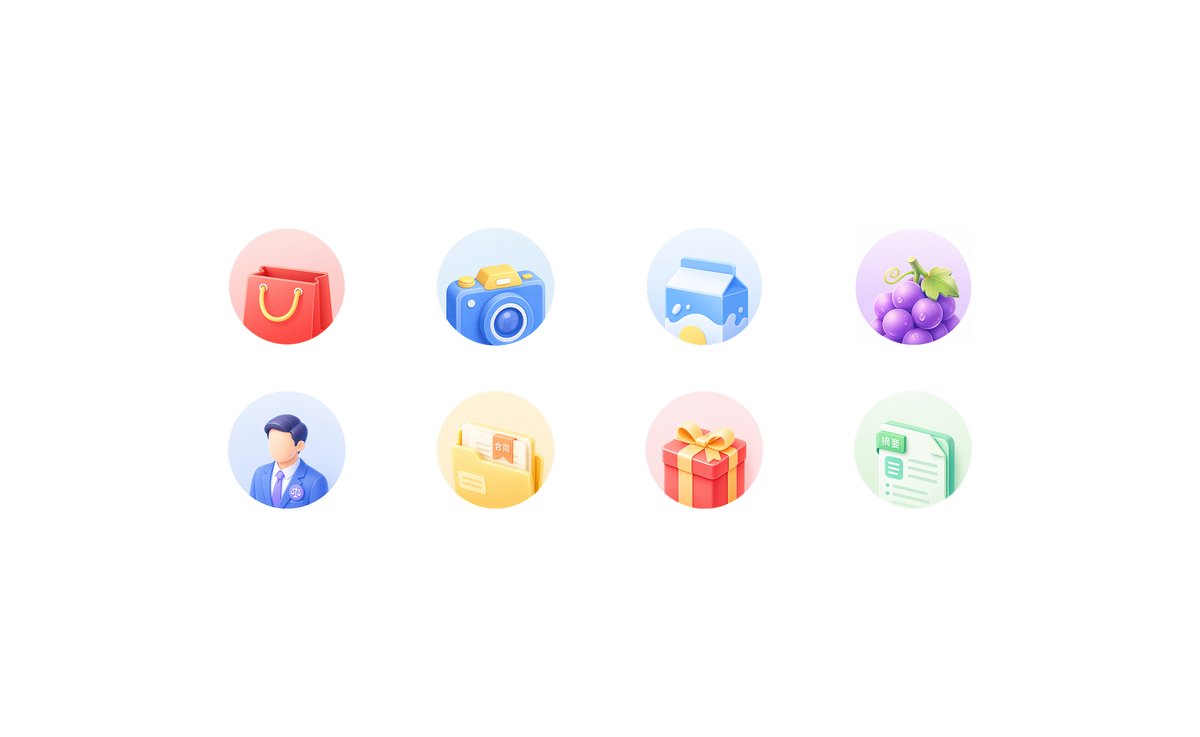
柔和 3D 应用功能图标网格
为移动端首页功能区生成一组由八个柔和拟态 3D 应用快捷图标组成的整洁两行网格。
Goal: Create a clean light-neumorphic app shortcut icon set on a white background, suitable for a mobile app feature grid or homepage “king kong area”.

Canvas: Wide horizontal canvas, approximately 16:9, pure white background with generous empty margins. Center the icon group horizontally and vertically with lots of whitespace.

Layout: Arrange exactly 8 circular feature icons in a 4-column by 2-row grid. Use even spacing, with each icon inside a soft pastel circular disc about the same size. No titles under the icons.

Icon style: Soft 3D clay/neumorphic rendering, rounded edges, glossy highlights, subtle ambient occlusion, gentle shadows, pastel gradients, miniature toy-like objects, clean commercial UI style. Each circular background should be a faint pastel gradient matching the icon color. Use high-key lighting from the upper left, no harsh outlines, no dark background.

Icon count and subjects, left to right:
1. Red shopping bag with yellow rope handles on a pale pink circle.
2. Blue camera with yellow shutter button and circular lens on a pale blue circle.
3. Blue-and-white milk carton with a yellow splash graphic on a pale blue circle.
4. Purple grapes with green leaves and tendril on a pale lavender circle.
5. Faceless male professional avatar wearing a blue suit, white shirt, purple tie, and small circular badge on a pale blue circle.
6. Yellow document folder containing papers, one paper visibly labeled 「合同」, on a pale yellow circle.
7. Red gift box with yellow ribbon and bow on a pale pink circle.
8. Mint-green document sheet with checklist lines, a tab visibly labeled 「摘要」, on a pale green circle.

Customization: The icon set should represent {argument name="app category" default="general lifestyle and services"}; keep the visible Chinese labels exactly as {argument name="folder label" default="合同"} and {argument name="document label" default="摘要"} if text is included.

Constraints: Generate only the 8 icons described above, no extra icons, no captions, no watermark, no frame, no mockup device, no people beyond the single faceless avatar icon, and preserve the airy white composition.
目标:在白色背景上创建一组整洁的轻拟态应用快捷图标,适用于移动应用功能网格或首页“金刚区”。
画布:宽横向画布,比例约为 16:9,纯白色背景,留有充足的空白边距。将图标组在水平和垂直方向上居中,并保留大量留白。
布局:将 8 个圆形功能图标排列成 4 列 2 行的网格。间距均匀,每个图标位于大小相近的柔和粉彩色圆形底盘内。图标下方不加标题。
图标风格:柔和的 3D 粘土/拟态渲染,圆角边缘,光泽高光,细腻的环境光遮蔽,柔和的阴影,粉彩色渐变,微型玩具般的物体,简洁的商业 UI 风格。每个圆形背景应为与图标颜色相匹配的淡粉彩色渐变。使用来自左上角的高调照明,无生硬轮廓,无深色背景。
图标数量及主体(从左至右):
1. 带有黄色绳柄的红色购物袋,置于淡粉色圆圈上。
2. 带有黄色快门按钮和圆形镜头的蓝色相机,置于淡蓝色圆圈上。
3. 带有黄色飞溅图形的蓝白牛奶盒,置于淡蓝色圆圈上。
4. 带有绿叶和卷须的紫色葡萄,置于淡薰衣草色圆圈上。
5. 身着蓝色西装、白衬衫、紫色领带并佩戴小圆形徽章的无面男性职业头像,置于淡蓝色圆圈上。
6. 装着文件的黄色文件夹,其中一份文件上清晰标注“合同”字样,置于淡黄色圆圈上。
7. 带有黄色丝带和蝴蝶结的红色礼盒,置于淡粉色圆圈上。
8. 带有清单线条的薄荷绿文档页,标签上清晰标注“摘要”字样,置于淡绿色圆圈上。
自定义:图标集应代表 {argument name="app category" default="通用生活与服务"};如果包含文字,请务必将可见的中文字符保持为 {argument name="folder label" default="合同"} 和 {argument name="document label" default="摘要"}。
约束:仅生成上述 8 个图标,不添加额外图标、标题、水印、边框或样机设备,除单个无面头像图标外不包含人物,并保持通透的白色构图。