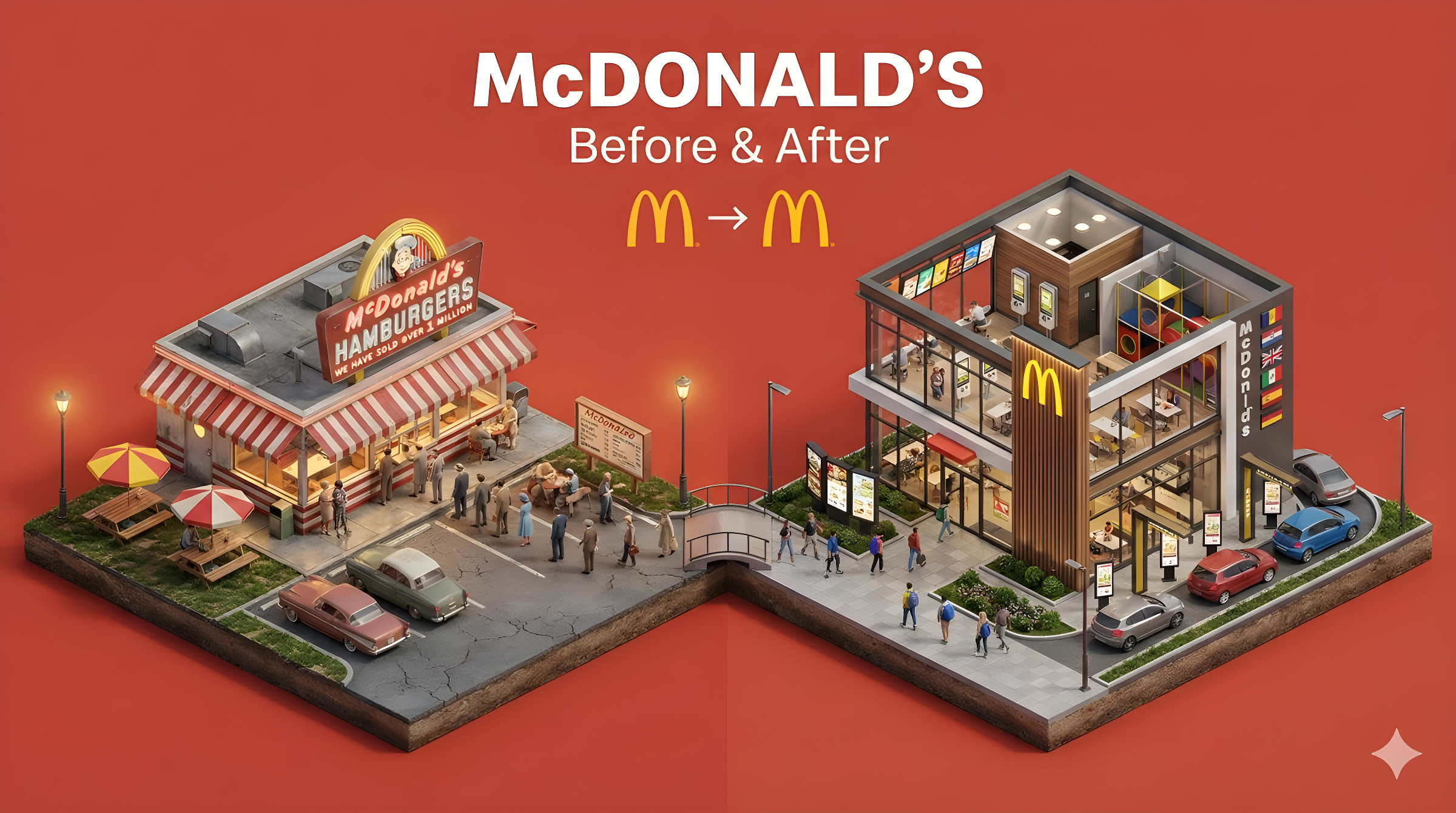
Create a clear, 45° top-down isometric miniature 3D split diorama showing [SUBJECT] before and after [TRANSFORMATION].

Use soft refined textures, realistic PBR materials, and balanced lighting across both sides.
Design a single raised base divided into two environments with contrasting details.

Include tiny stylized people to emphasize scale and change (no facial details).

Use a clean solid [BACKGROUND COLOR] background.

At the top-center, display [SUBJECT NAME] in large bold text, beneath it show 'Before & After' in medium text, and place a minimal transformation icon below.

All text must automatically match the background contrast (white or black).
创建一个清晰、45°俯视角等距微缩3D分割立体模型,展示[主题]在[转变]前后的对比。使用柔和精致纹理、真实PBR材质,两侧保持均衡光照。设计一个整体抬高的底座,分为两个环境,细节形成鲜明对比。加入微小风格化人物以强调尺度与变化(无面部细节)。使用干净纯色[背景颜色]背景。在顶部中央显示[主题名称]的大号粗体文字,其下方显示中等字体的"前后对比",再下方放置一个极简转变图标。所有文字必须自动匹配背景对比度(白色或黑色)。
{
  "prompt": "명확하고, 45° 조망각의 등거리 미니어처 3D 분할 입체 모델을 생성하여 [주제]의 [변화] 전후를 비교합니다. 부드럽고 정교한 텍스처와 실제 PBR 소재를 사용하고, 양쪽에서 균형 잡힌 조명을 유지합니다. 전체적으로 높아진 받침대를 디자인하고, 두 개의 환경으로 나누어 세부 사항이 뚜렷한 대조를 이루게 합니다. 스케일과 변화를 강조하기 위해 미세하게 스타일화된 인물을 추가합니다(얼굴 세부 사항 없음). 깨끗한 단색 [배경 색상] 배경을 사용합니다. 상단 중앙에 [주제 이름]의 대형 굵은 글씨를 표시하고, 그 아래에 중간 크기의 글씨로 '전후 비교'를 표시하며, 그 아래에 극단적으로 간단한 변화 아이콘을 배치합니다. 모든 글자는 배경 대비에 자동으로 맞춰져야 합니다(흰색 또는 검은색)."
}